Adding a plant to a garden does more than record what's in the ground — it's what turns the app from a plain notebook into something that plans alongside you.
Add a plant, unlock its reminders
Open the Plants tab and add whatever you're growing, or planning to grow. The moment a plant is added, the Todo tab starts working for it: sowing, planting-out, and harvest reminders timed to your garden's own location, computed from that plant's temperature and days-to-maturity data — not a generic calendar that assumes a season that may not match where you live.
A season is more than one sowing
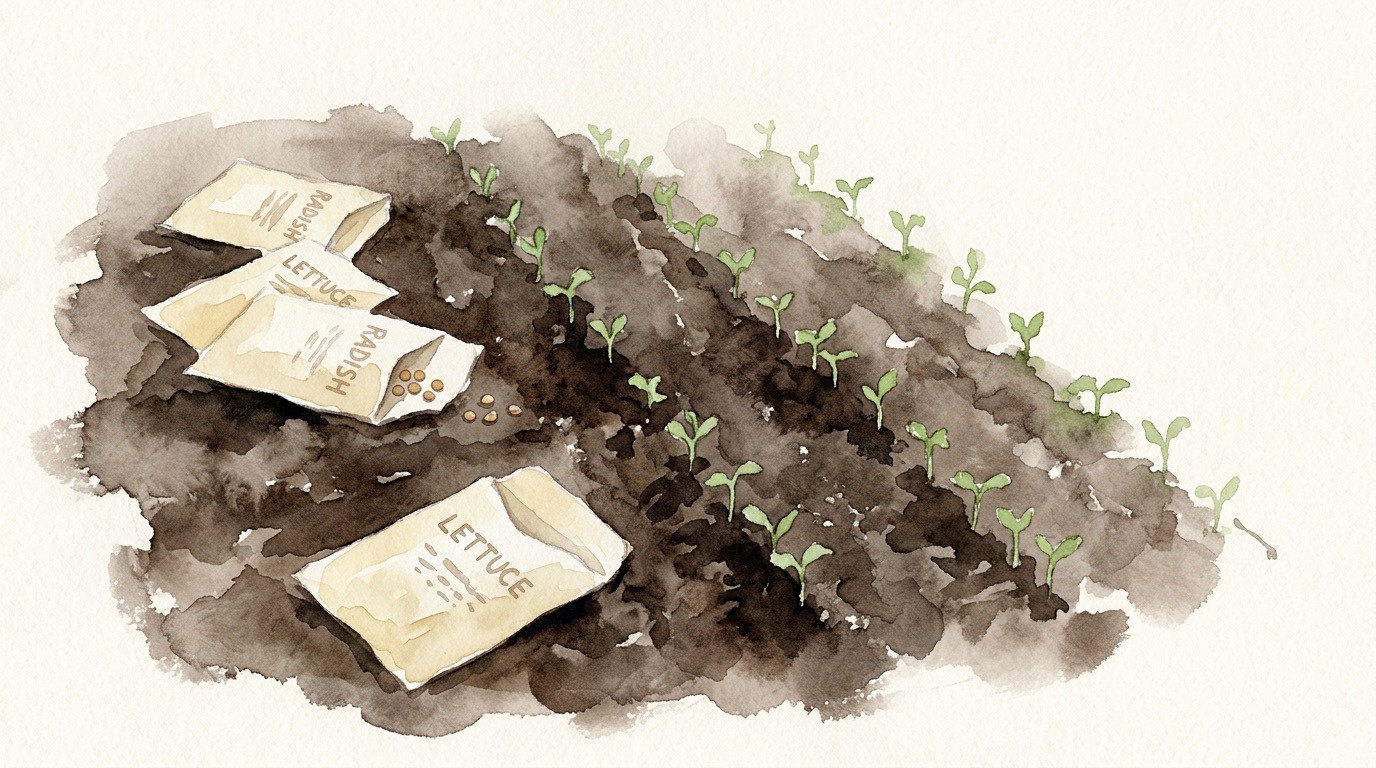
Most crops aren't planted once and forgotten. Carrots sown in April, again in May, again in June, each give their own harvest window — sow again whenever you like, and each sowing earns its own to-do and its own harvest reminder, labelled by the date it came from. Leafy crops like lettuce are picked repeatedly from a single planting; log each picking and the harvest to-do for it simply stays open until you mark it fully harvested.
Log to keep the plan honest
A to-do becomes an accurate record the moment you log it. Logging a sowing or planting closes that to-do and immediately opens the harvest reminder that follows from it — the app doesn't wait for the calendar date to catch up. If you're setting a garden up after the season has already started, log the sowing or planting from the plant's own page with the real date it happened; the harvest projection dates itself from that log, exactly as if the reminder had fired on time. Nothing about starting mid-season is lost.
Dismiss what doesn't apply, restore what you change your mind about
Not every reminder fits your plan — maybe you're skipping a sowing round this year. Dismiss it and it drops off the list; if you change your mind, it can be restored from the collapsed Dismissed section. Dismissing never blocks you from logging the action manually later — do that and the harvest follow-up is created exactly as if the reminder had never been dismissed.