In short
- Add a growing area only where part of the garden really differs: covered from rain, pots, or shade.
- A new area copies the garden's conditions, so change only what is different.
- Each area gets its own watering estimate, and the nudge names the driest.
- Name the area when you sow, plant out or harvest, and it keeps track of what grew there.
- Delete an area and nothing logged there is lost.
When you need one
Most gardens need none. If the whole plot dries out at about the same rate, one garden describes it, and areas would only add more to tap with no better answers. A garden with no areas works just as well.
Add an area when part of the garden differs in a way that changes what you should do:
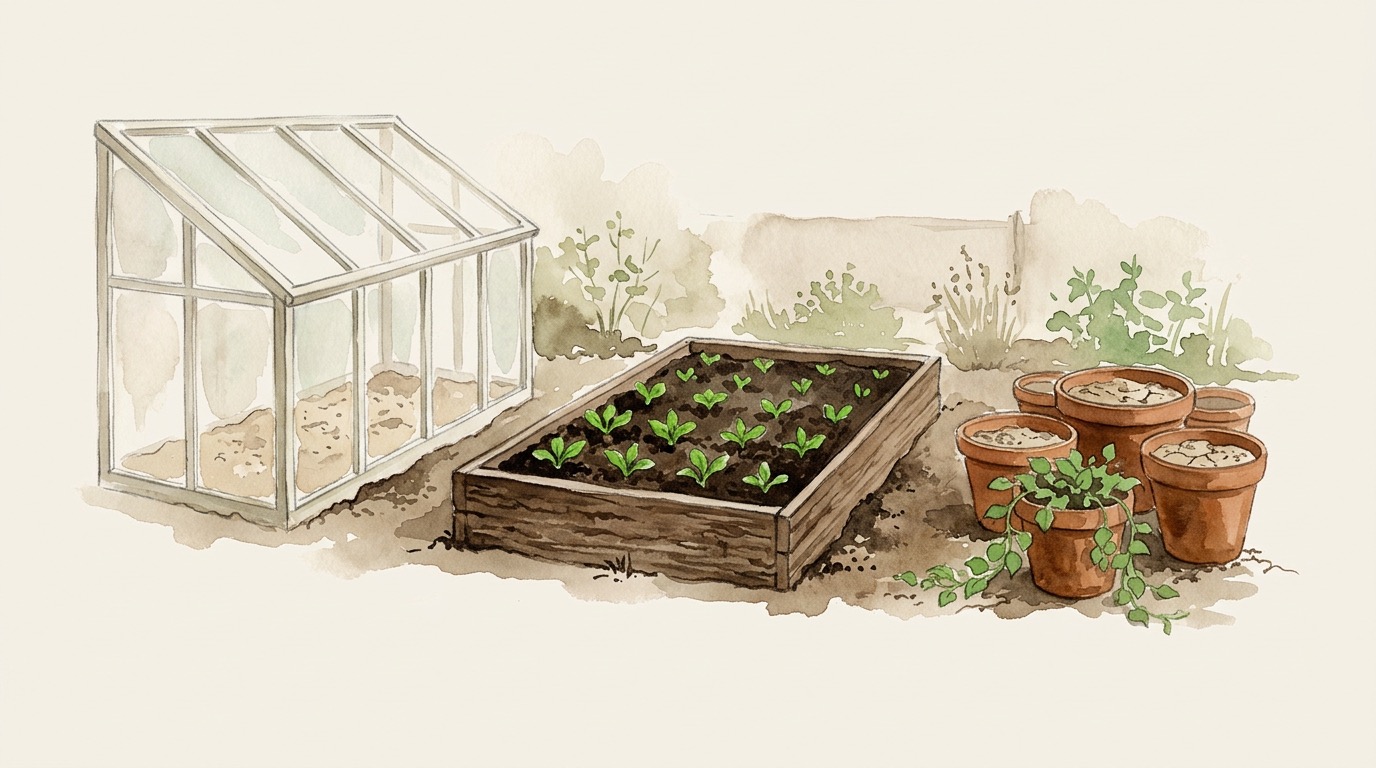
- It gets no rain. A balcony, a greenhouse, a polytunnel or a covered patio can never water itself, so it needs telling apart from ground that does.
- It is a greenhouse or polytunnel. It gets its own answer, apart from a covered patio, because the cover also cuts the light that drives drying.
- It holds water differently. Pots dry in hours, a raised bed of good loam in days, and heavy clay in the ground takes longer still.
- It gets a different amount of sun. The strip along the north fence is not the open middle.
Two parts that differ only in what grows there are not separate areas. They are two crops in one place.
Add an area
- On the garden's page, tap Add growing area.
- Name it after the place: Greenhouse, Raised bed, Pots by the door.
- Change only what is different. Sun, rain, soil, and whether it grows in the ground, a raised bed or containers each start at Same as the garden. For a greenhouse, that is usually only the rain.
Everything you leave alone follows the garden. Change the garden's soil later, and every area that kept Same as the garden changes with it.
Watering advice for each area
The app estimates how fast the soil is drying from the weather where you are and what you have logged. Efficient Watering describes how. With areas, it makes that estimate for each one separately.
A greenhouse gets no rain and dries steadily, while the bed outside is watered by every shower. Kept apart, they give two answers, and the one that says "check this" is the one that is actually dry. The garden still names one place at the top: the driest area that needs something done.
How the log feeds the estimate:
- Watering with no area named counts as watering everything, because it usually was.
- A new area starts from what you have already logged, not from dry ground: it counts the garden-wide waterings you logged before it existed.
Say where you sowed
When you log a sowing, a planting out or a harvest, you can name the area. Each area then keeps its own list of what went into it and what came out, taken from the log.
One crop can be in two places. Carrots sown under glass in April and outdoors in May are one planting in two areas, on two schedules, with two harvests coming. The Crops tab shows each place, and the next thing due in each.
A harvest follows the sowing it came from. If two sowings could be the one you are picking, the app asks Which sowing is this from? and names each by date and place, such as "Sown 6 Apr · Greenhouse". The harvest is filed where that crop grew, and you are never asked twice.
Nothing is lost if you change your mind
Delete an area, and everything logged there stays in the Garden log, with its date, its note and its photos. Those entries, and any to-dos for that spot, go back to being about the whole garden.
Nothing has to be decided up front either. Start with one garden, add an area the day you put up the greenhouse, and everything logged before that carries on counting. Getting Started with Your Garden covers what is worth logging in the first place.
Why it works
Almost nobody gardens in one uniform place. There is the bed that bakes all afternoon, the one behind the shed that never quite dries out, and the pots by the door that need water twice on a hot day.
An area is described by how it differs from the garden it sits in, not filled in from scratch. That is less typing, and a truer picture of a garden. The log is meant to outlast the plants in it, and the way you happened to organise them.